Onion skin
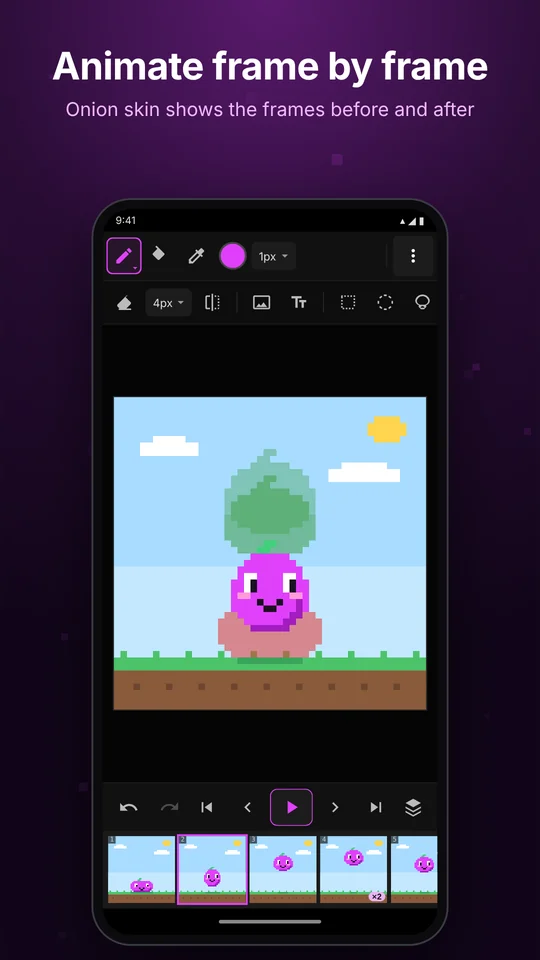
See up to 3 frames before (red) and after (green) while you draw, with adjustable strength.
 FrameDudu
Get the app
FrameDudu
Get the app
Free on Google Play
Draw a frame, see the last one through onion skin, add the next, and press play. Export a GIF, an MP4 or a sprite sheet with no watermark.
Built for flipbook animation, pixel art sprites and short videos.
See up to 3 frames before (red) and after (green) while you draw, with adjustable strength.
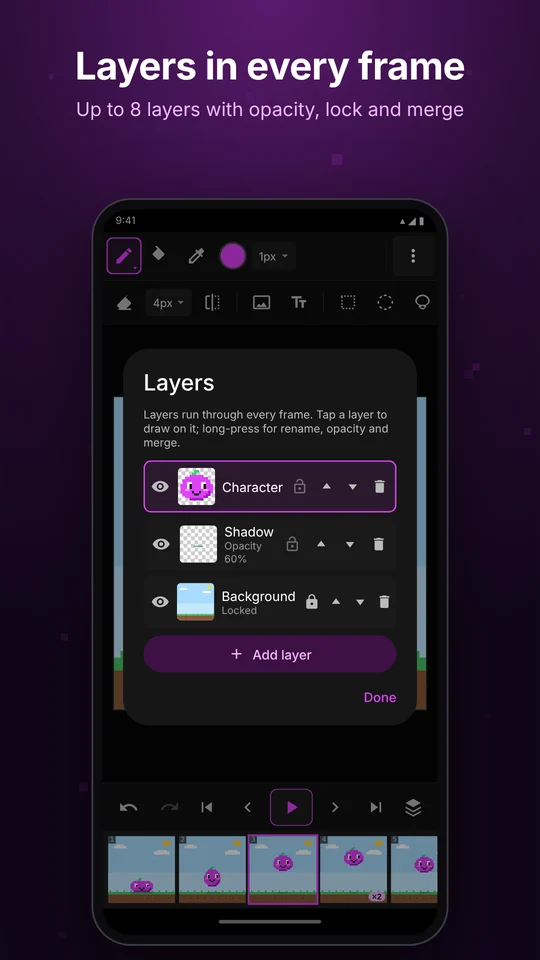
Up to 8 layers in every frame, with opacity, lock, hide, merge, duplicate and reorder.
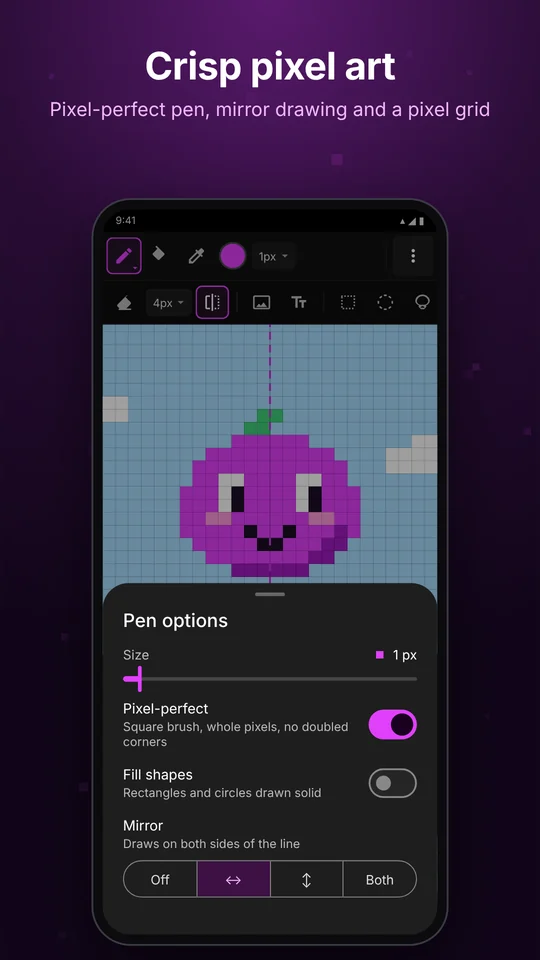
Clean single-pixel lines, a pixel grid when zoomed in, and zoom up to 48×.
Draw both sides at once: left–right, top–bottom or both.
Drag frames to reorder, hold a frame longer, and play in a loop, ping-pong or once.
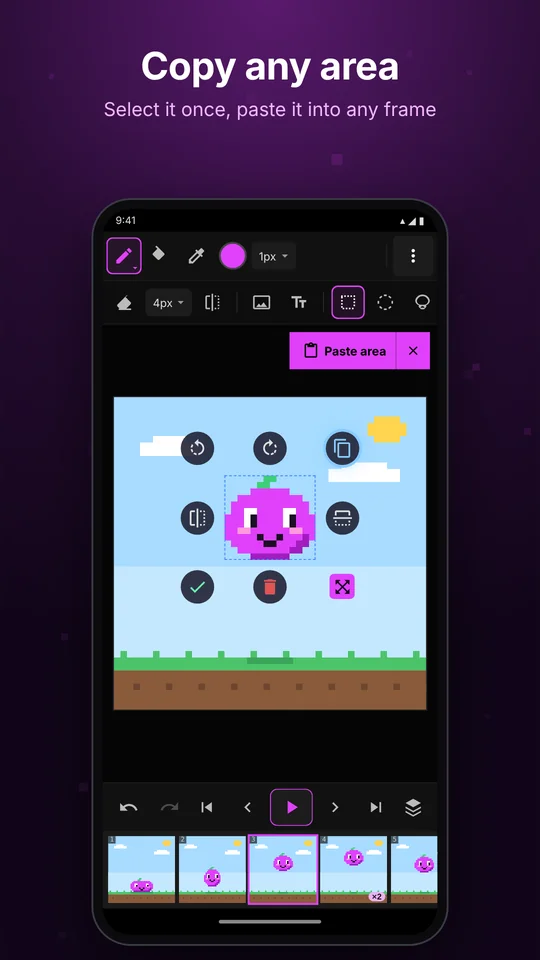
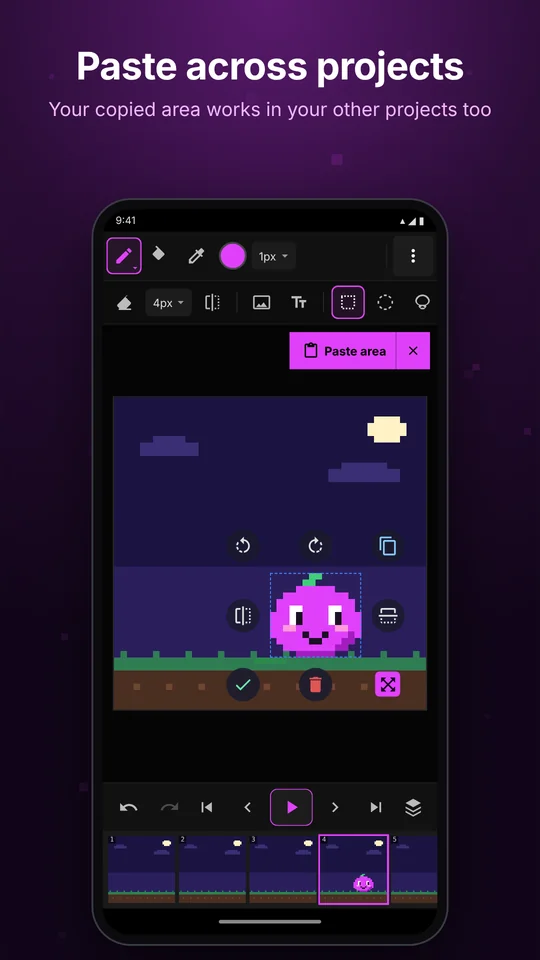
Rectangle, circle and lasso selection. Move, rotate, flip and resize. Copy an area and paste it into any frame, even in another project.
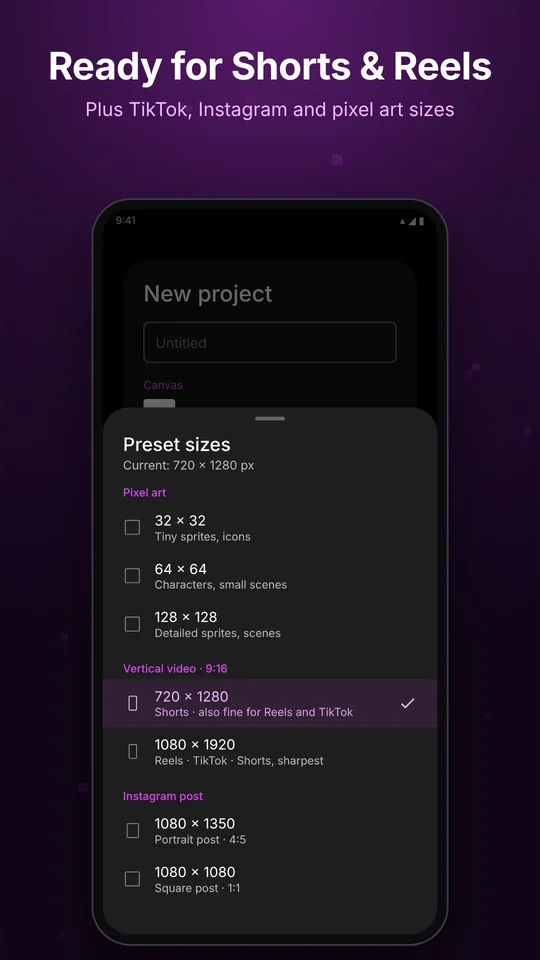
Ready sizes for Shorts, Reels, TikTok and pixel art. Start from your photos or a GIF.
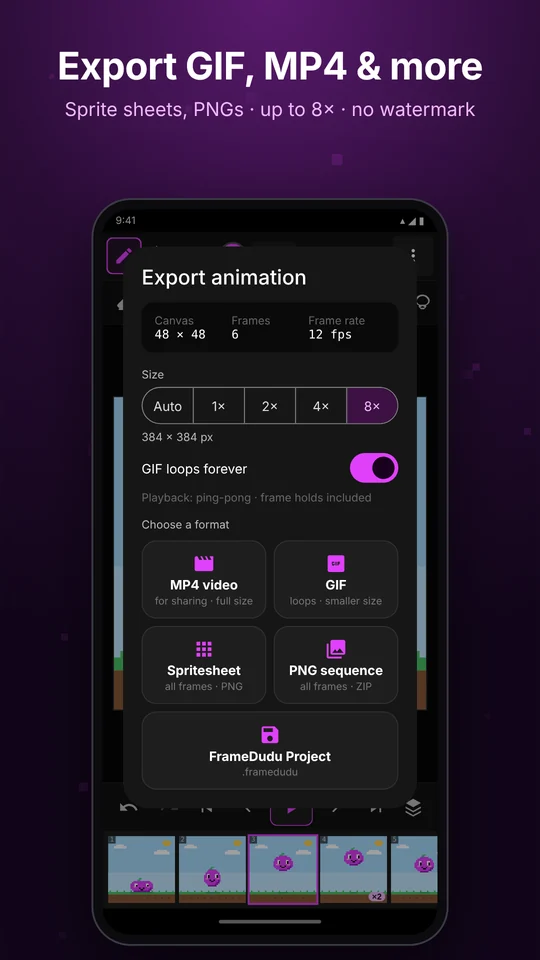
MP4, GIF (even transparent), sprite sheets and PNG sequences, up to 8× size, no watermark.
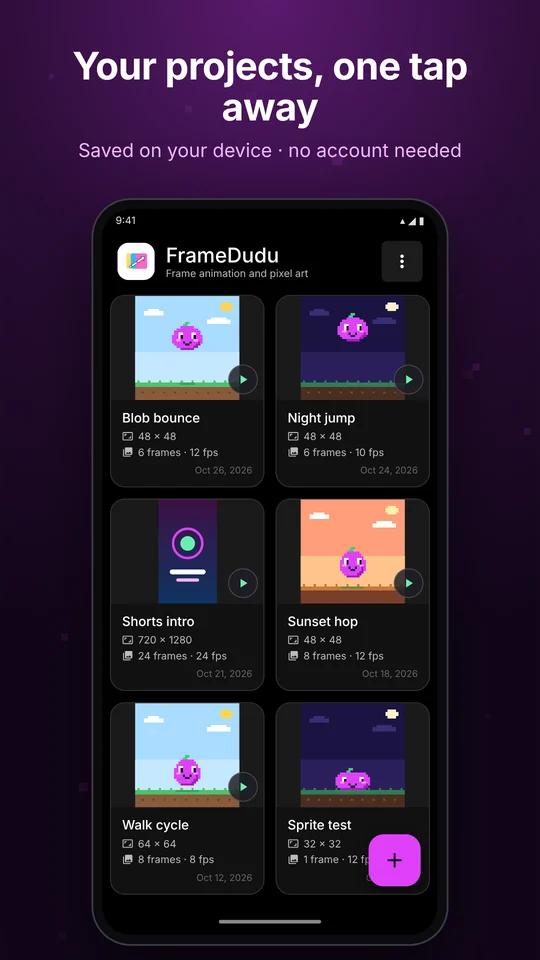
Projects stay on your device. Save a .framedudu file to back up or move a project.
FrameDudu on Android phones, tablets and Chromebooks.
No sign-up and no cloud. Your projects are stored only on your device, and drawing works offline. FrameDudu is free and supported by ads.
Read the privacy policy →